

Quickly create a scatch in Neovim
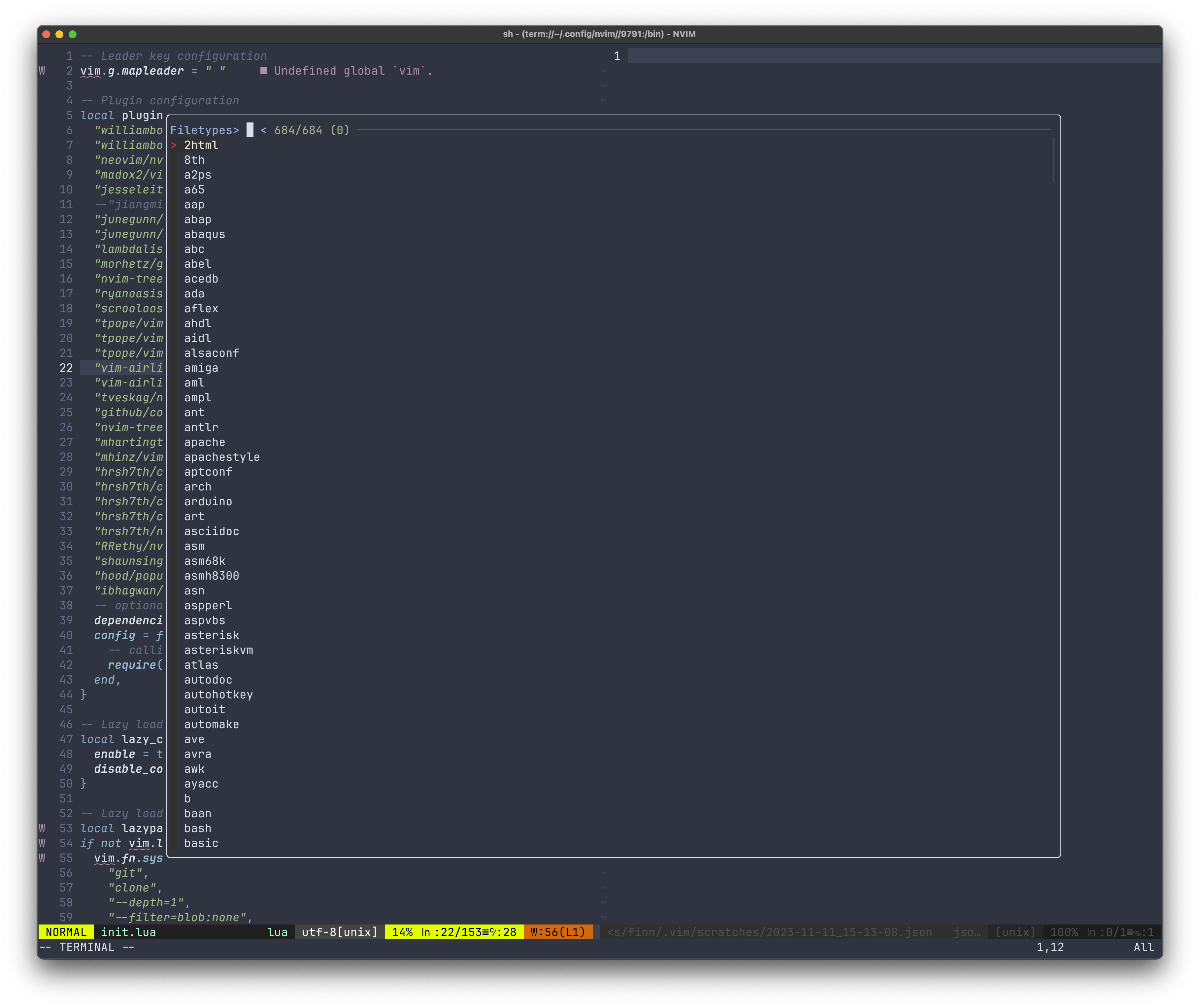
I missed the feature of quickly creating a scratch when I switched back to Vim from Webstorm.
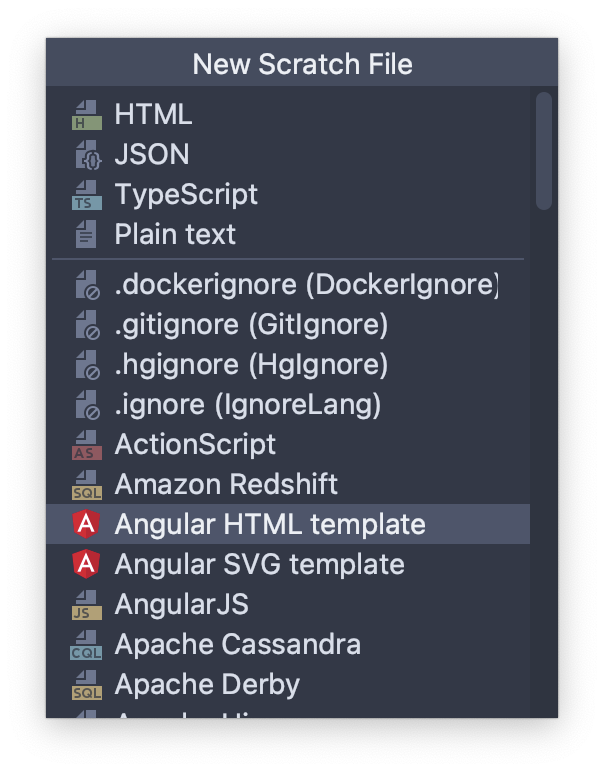
A scratch file is handy, it auto-saves somewhere on your computer and allows you to paste temporary content here to do whatever you want.
In Vim or Neovim you need to open a new buffer with :new or :vnew , then :set filetype {sometype}. Paste the content, then :w to save it somewhere, you also need to name it, what a cumbersome process.
Say no more, this is my Neovim Lua script.
-- Require the fzf-lua plugin
local fzf_lua = require("fzf-lua")

-- Function to open a new scratch buffer with a specific filetype
local function open_scratch_buffer(filetype)
    -- Generate a timestamp for unique file naming
    local date_time = os.date("%Y-%m-%d_%H-%M-%S")
    -- Define the directory where scratch files will be stored
    local scratch_dir = vim.fn.expand("~/.vim/scratches/")
    -- Create the full path for the new scratch file
    local filename = scratch_dir .. date_time .. "." .. filetype

    -- Create the scratch directory if it does not exist
    vim.fn.mkdir(scratch_dir, "p")
    -- Open a new vertical split with the created file
    vim.cmd("vnew " .. vim.fn.fnameescape(filename))
    -- Set the filetype for the new buffer for appropriate syntax highlighting
    vim.api.nvim_buf_set_option(0, "filetype", filetype)
    -- Save the file to create it on disk
    vim.api.nvim_command("write")
end

-- Global function to select a filetype and create a scratch buffer
function _G.select_filetype_and_create_scratch()
    -- Retrieve the list of Vim syntax files from the runtime path
    local syntax_dir = vim.fn.globpath(vim.fn.getenv("VIMRUNTIME"), "syntax/*.vim", false, true)
    local filetypes = {}

    -- Extract filetype names from the retrieved syntax file paths
    for _, filepath in ipairs(syntax_dir) do
        local filetype = filepath:match("syntax[/\\](.+).vim$")
        if filetype then
            -- Add the filetype to the list
            table.insert(filetypes, filetype)
        end
    end

    -- Execute fzf with the list of filetypes
    fzf_lua.fzf_exec(filetypes, {
        prompt = "Filetypes> ",
        actions = {
            -- Action to perform when a filetype is selected
            ["default"] = function(selected)
                open_scratch_buffer(selected[1])
            end,
        },
    })
end

-- Set a key mapping for the function
-- <leader>t will trigger the filetype selection and scratch buffer creation
vim.api.nvim_set_keymap("n", "<leader>t", ":lua _G.select_filetype_and_create_scratch()<CR>", { noremap = true })
What does it do?
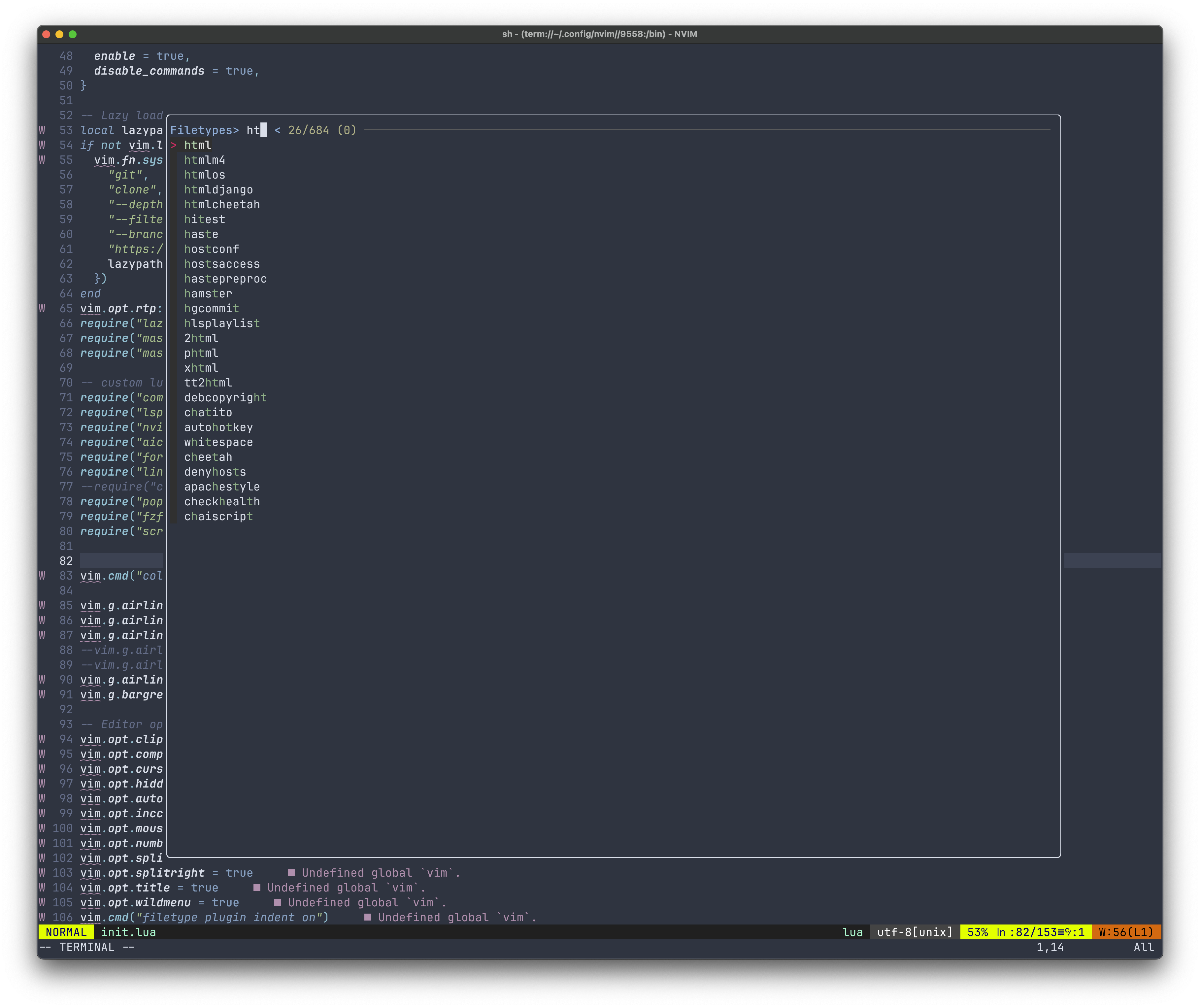
Get the list of vim supported file types, grep the base name only to make the list of available file types
Use fzf.lua API
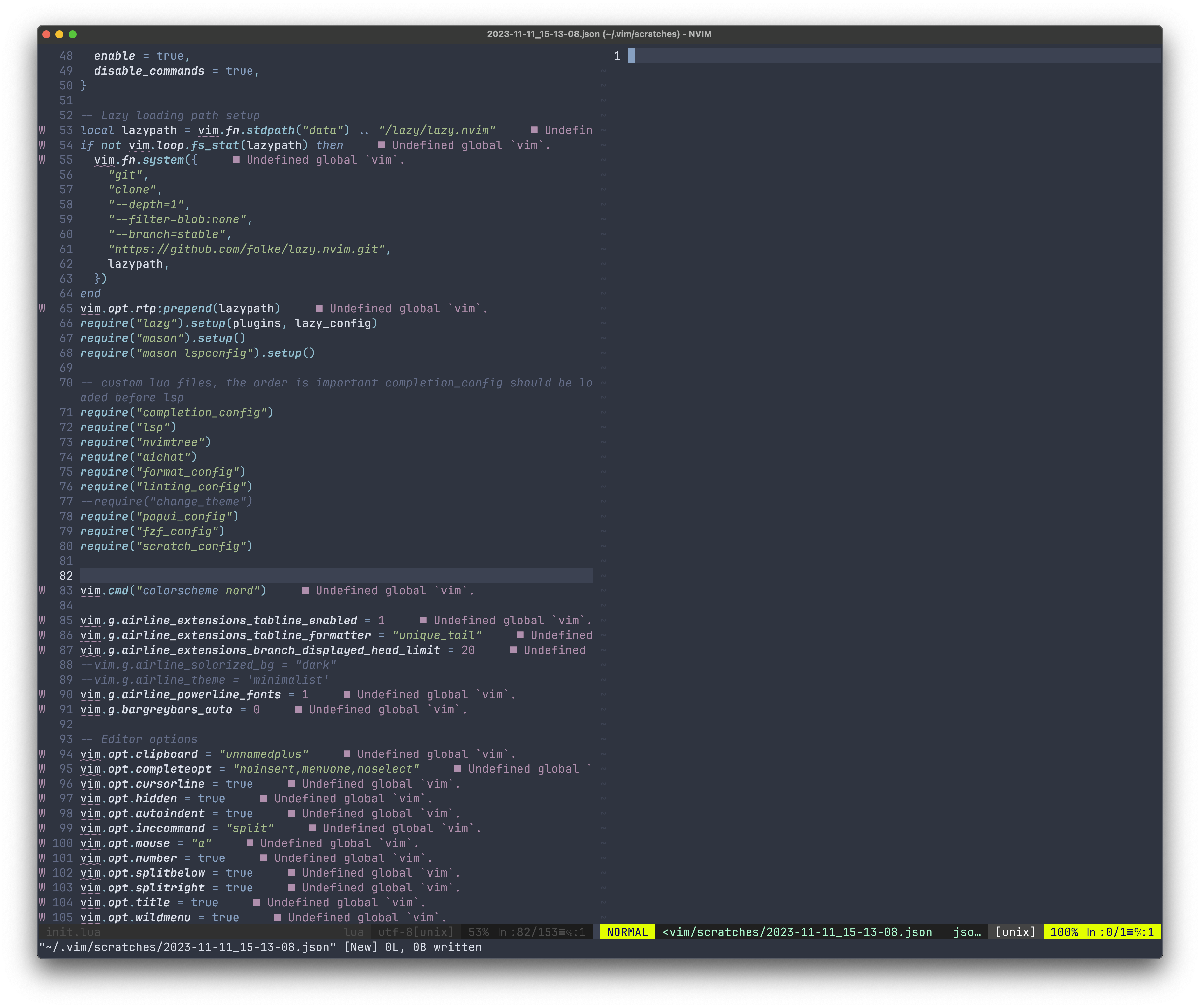
fzf_execto serve the list, and provide you with a UI for fuzzy searchingSelect the user's selected file type, open a new buffer to the right, name it the current datetime, and save it. Now you can paste your content here.
Why the auto-save part is important?
Because some commands like :EslintAutoFix won't run on an unsaved buffer.
To use this, you need:
You Neovim are using init.lua
You need to install fzf-lua. I tried with fzf.vim but no luck, incompatible.
Add this script to your init.lua file
require("scratch_config")assumed you have this script namescratch_configBenefit
For more information, check my latest update https://github.com/finnng/dotfiles/blob/master/nvim/lua/scratch_config.lua
This is my repo so it may change at any time, in that case you can visit the commit https://github.com/finnng/dotfiles/commit/c09b79cd455e940cdb07ad836bfce2ca255fd2de


